











































E-Hentai · ExHentai · nhentai · JMComic · Zaimanhua
Search single-volume galleries and multi-chapter serialized manga in one app, then collect what you want to keep into your own cloud.
Built-in E-Hentai, ExHentai, nhentai, JMComic (禁漫天堂), Zaimanhua (再漫画), and self-hosted Kavita / Komga (OPDS). Collect in one tap into your own R2, Bunny, Google Drive, or WebDAV—stream every page on demand with zero phone bloat.
18+ For adults managing their own collections. Easemic hosts no comics or site data; connecting external catalogs requires your own access.
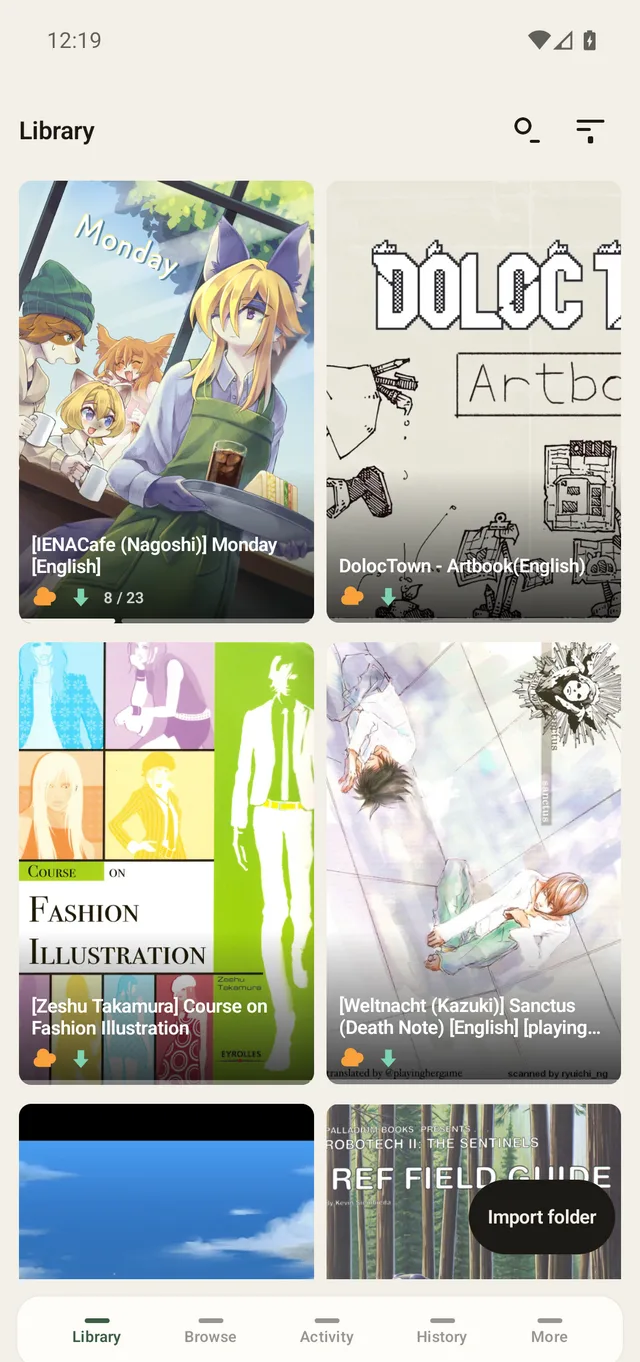
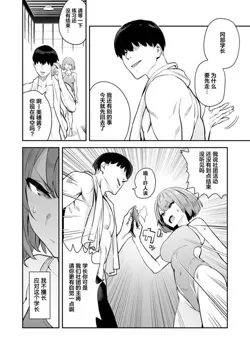
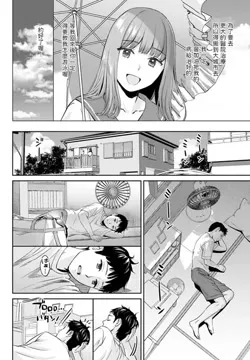
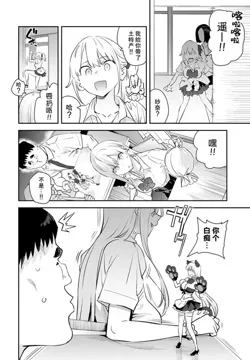
Screens rebuilt from the app; the comics shown are made up for the film.
Search single-volume galleries and multi-chapter serialized manga in one app, then collect what you want to keep into your own cloud.
Follow an ongoing series on JMComic or Zaimanhua and its cover shows how many new chapters came out.
Browse, stream, or collect from any authenticated OPDS feed.
Reads ComicInfo.xml metadata (title, artist, tags) or plain folders of images.
Import the .ehviewer download folders you already have, or sync your ExHentai favorites in one tap.
Optional dHash + semantic tail filter strips repetitive gambling/sponsor ad pages while keeping scanlation credit pages.
Switch inside the app with no restart, plus verified in-app APK updates.
Filter by language, category, minimum rating, or namespace tags with instant lazy gallery loading.
Combine tag queries and language filters with page counts, favorites, and artist chips right on the card.
Read single volumes, full-color manhwa strips, and ongoing serialized manga with +N new-chapter badges.
Paste one API token for Cloudflare R2, Bunny, or Backblaze B2, or sign in to Google Drive, OneDrive, or WebDAV.
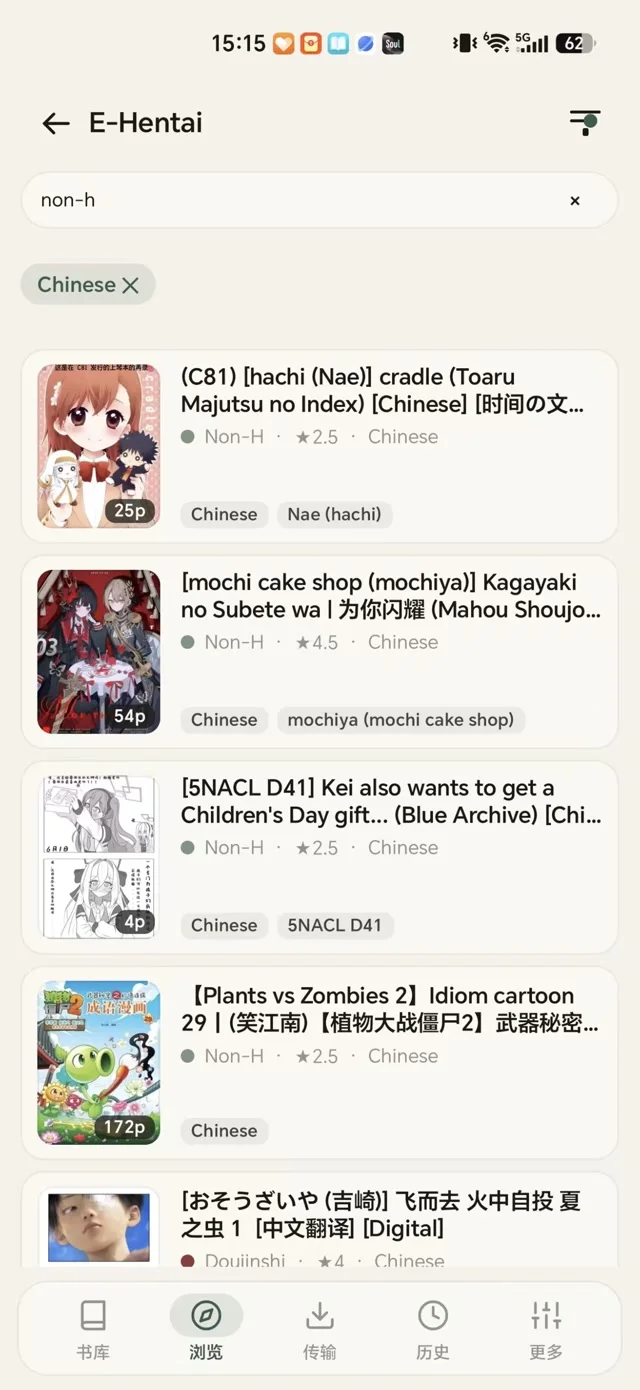
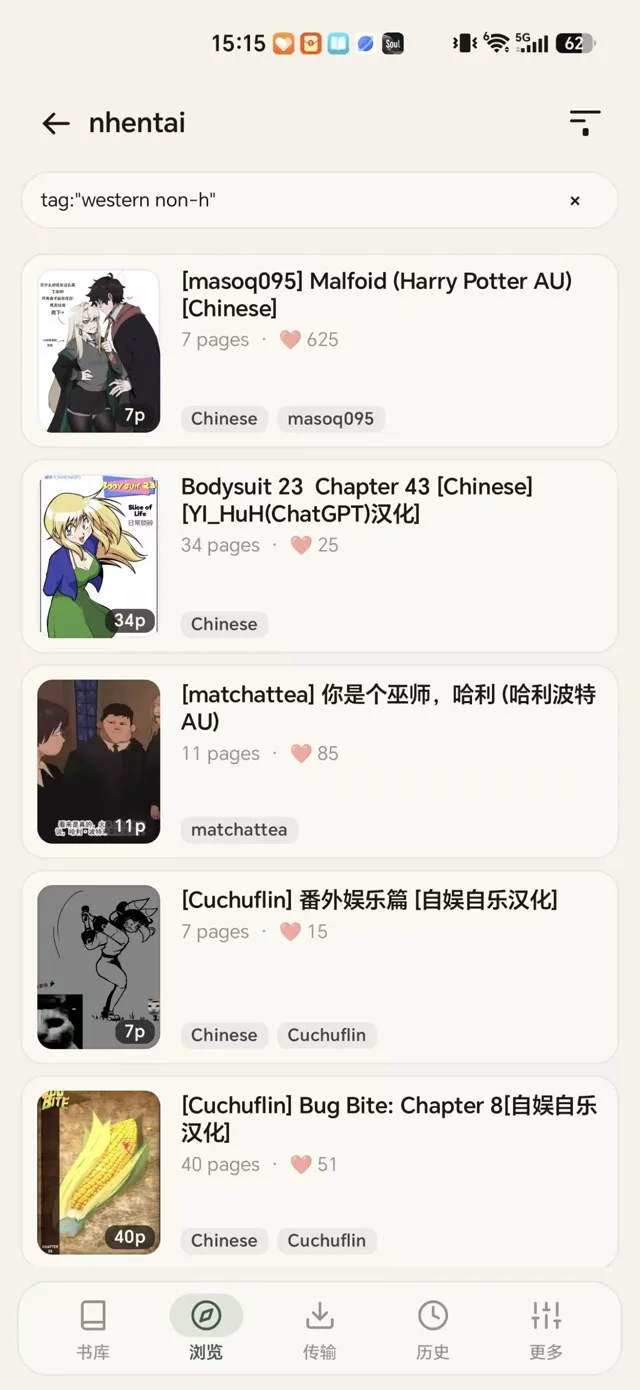
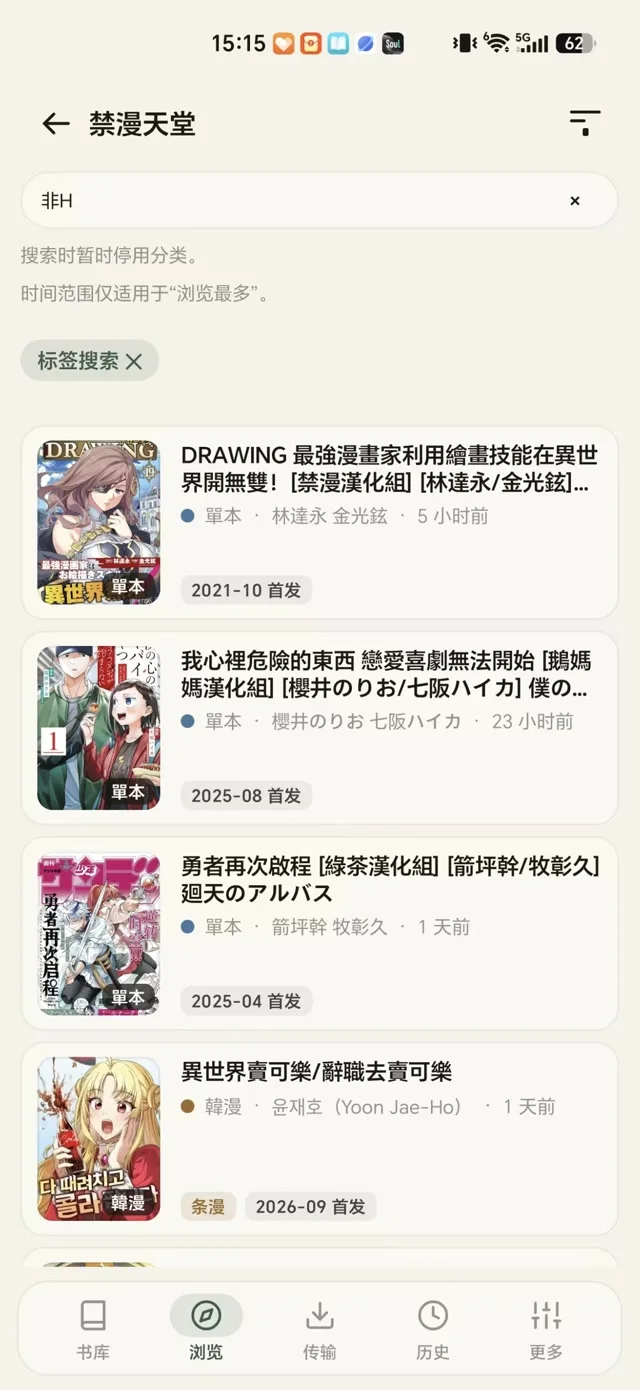
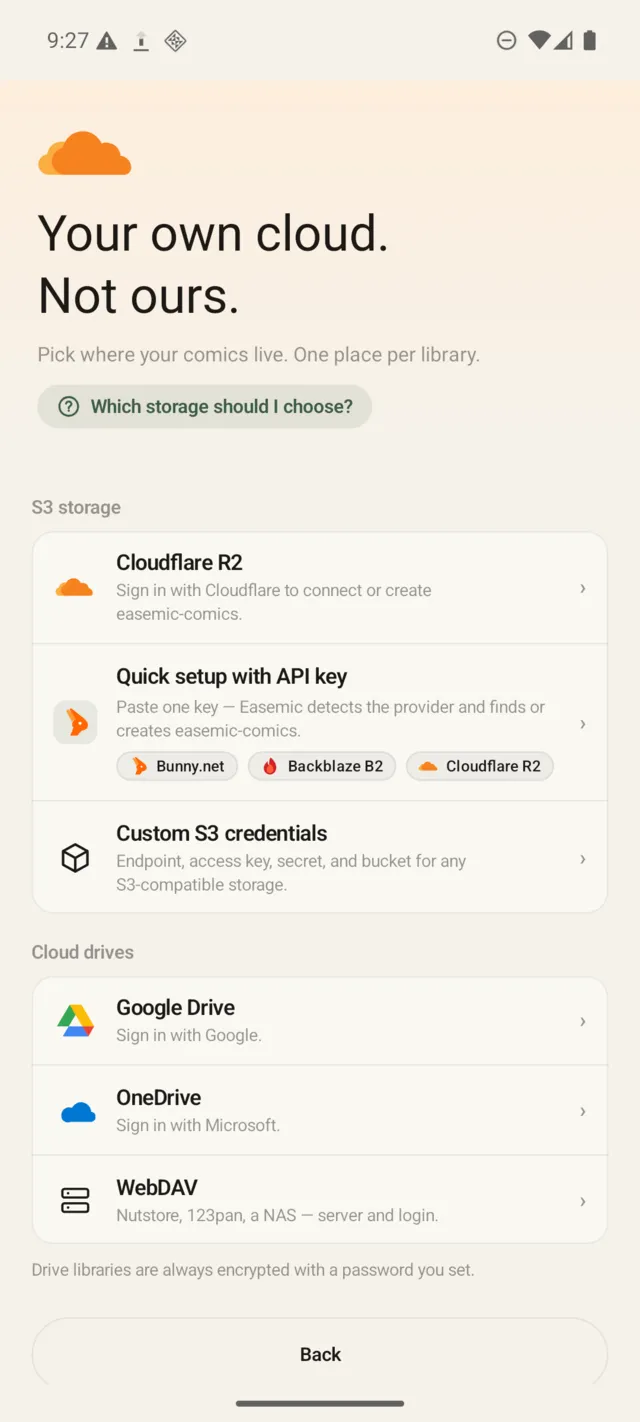
Collecting copies every page into storage you control. If an E-Hentai or nhentai gallery vanishes upstream or a serialized chapter is replaced or removed, the copy on your shelf still opens—and removed chapters are clearly marked Removed instead of disappearing.
Easemic spots long-strip manhwa and webtoons by their aspect ratio (height / width >= 2.15) and switches to full-width vertical scrolling, with five hands-free auto-scroll speeds: touch to pause, lift to carry on. Animated GIF and WebP pages play in place.
The app talks to your storage directly, with no server of ours in between, so speed is up to the provider you pick. Fastest so far: Bunny Storage, 123 ms to the first page. Swipe through the rest.
123ms
Median time to the first page199ms
Median time to the first page215ms
Median time to the first page236ms
Median time to the first page347ms
Median time to the first page1.1s
Median time to the first page1.1s
Median time to the first pageCovers, pages, and library indexes are encrypted on your device before they ever touch Google Drive, OneDrive, or WebDAV. Without your password, your storage provider only holds opaque ciphertext.
Local files go once the upload is done. Pages stream back when you tap Read, through a local cache with a size limit you set.
The whole shelf shows up, covers and reading progress included. Both devices stream from the one cloud copy.
No multi-gigabyte .ehviewer folders to copy across. Your library is already where you left it.
Something else? Open an issue on GitHub Issues or write to hello@easemic.com
Fresh installs display standard catalogs (Zaimanhua and OPDS) by default. Open More → Browse settings inside the app to toggle on E-Hentai, nhentai, and JMComic; ExHentai unlocks automatically once you sign in or paste your E-Hentai cookies.
When you collect a gallery or manga chapter, Easemic uploads its pages to your own cloud bucket or drive. With "Keep only the cloud copy" enabled, local files are released right after upload, and tapping Read streams pages on demand with a bounded local cache (123 ms median first-page open on Bunny Storage, 199 ms on Cloudflare R2). Your phone storage stays clear while your cloud shelf holds thousands of titles.
No. When you bind Google Drive, OneDrive, or any WebDAV server (123pan, Nutstore, Synology NAS), Easemic enforces mandatory client-side encryption on your phone before upload. Every cover, page image, and library index is sealed into ciphertext with your password—your storage provider cannot inspect file contents or filenames.
They stay strictly on your phone. Easemic has no user accounts, no analytics SDKs, and no middleman servers, and the full Android source code is open under Apache-2.0 at github.com/dirtyfancy/easemic. Your device talks directly to your storage provider and catalogs.
Yes. Tap Import folder on the Library tab to bring in existing .ehviewer download directories, CBZ/ZIP archives (with ComicInfo.xml), or plain image folders, or import your ExHentai favorites in one tap. You can also connect any Kavita or Komga OPDS feed to browse, stream, or collect into your cloud.
Download the signed APK once from this site or GitHub Releases. Once a day, Easemic checks easemic.com for a newer release, streams the APK inside the app with a live progress bar, verifies its SHA-256 digest and package signature, and updates in place without losing your library or settings.
Your doujinshi & manga. Your cloud storage. Your keys.
Easemic checks easemic.com once a day for a newer version and installs it inside the app.